← All support articles
My video went to "No athlete"
Nothing's lost. Assign it to a swimmer from the No athlete folder.
You recorded without picking a swimmer, so the video was filed under No athlete. Nothing's lost.
Assign it
Browse tab → No athlete, and open the collection.
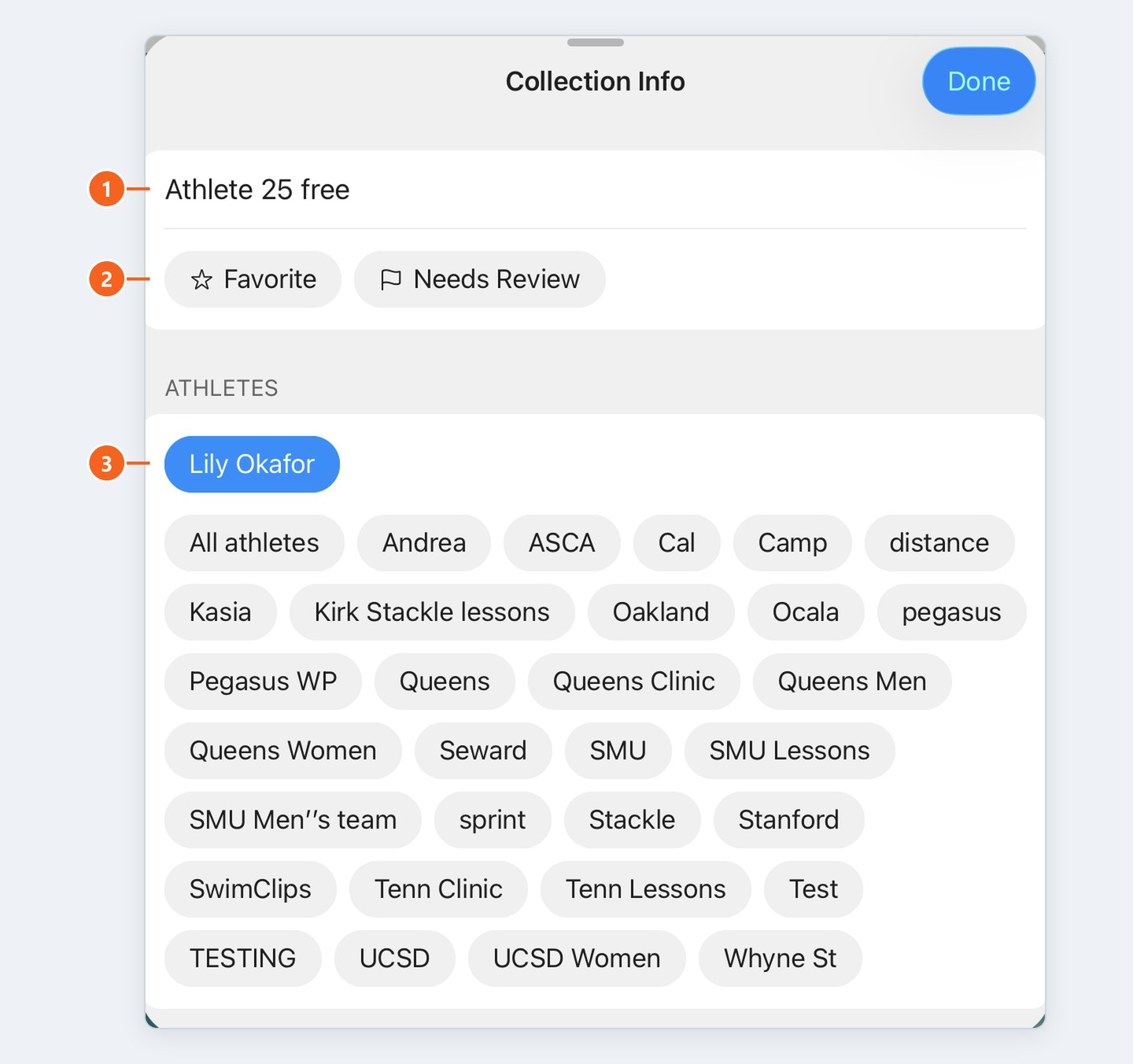
Tap the ⓘ icon in the top bar.
Under Athletes, tap the swimmer's name. It turns blue.
Tap Done.
Shortcut: in the Browse list, press and hold the collection and move it to the right swimmer, without opening it.
More than one swimmer in the video, like relay takeoffs? Tap each of them. The same steps move a video that went to the wrong swimmer.
Next time
Pick the swimmer with the middle button, bottom right of the Live tab, before you hit record.

